Showing posts with label Books. Show all posts

Tuesday, January 17, 2012

New Book: SketchUp for Game Design

I’ve yet to meet a SketchUp modeler who doesn’t—at least just a little bit—want to work in the video game design industry. I get a stupid grin on my face when I think about how much fun it it would be to make battle tanks and exploding oil drums and secret doors for hidden basements full of zombies. In the gaming world, boring things like gravity and cost take a backseat to novelty and sheer coolness.

But how to turn your SketchUp habit (and job cranking out toilet stall details) into days full of armor design and wandering through bad neighborhoods looking for interesting photo-textures to shoot?


Google SketchUp for Game Design is Robin de Jongh’s newest book; he also wrote SketchUp 7.1 for Architectural Visualization. It presumes that you’re a SketchUp beginner, but then quickly gets on to the good stuff:

  • Finding good resources for photo-textures
  • Using Meshlab to convert your models in useable 3D game assets
  • Working with the Unity 3D game engine (which is widespread, free-or-low-cost middleware for designing game levels)
  • Creating high-quality textures for games
  • Adapting your models for use in video games
  • Authoring custom levels
  • Modeling low-poly game assets (including cars) and selling them online

Robin’s writing is accessible and easy to follow. He packs a lot of information into each page, but manages to keep the tone friendly and even funny at times. While the book’s in black and white, color versions of the images are available from the publisher’s website.

Posted by Aidan Chopra, SketchUp Evangelist

Wednesday, December 7, 2011

The more the merrier: Introducing Sketchup Ur Space

One of my new favorite sources of SketchUp inspiration and information (inspormation?) is Sketchup Ur Space. A virtual smorgasbord of articles, tips, forums and imagery, this website is sure to make you smile. There’s a monthly PDF magazine, too. The creator of Sketchup Ur Space is Debarati Nath, an India-based writer who shared some information about herself and the new site:


What am I doing in the arena of 3D?

My name is Debarati Nath and I have done a degree in Mass Communication. Well, I am not a geek, in no terms so, when I started out working with SketchUp I had only one consoling factor. I had read that SketchUp – a 3D designing tool is for every person and not for geeks alone. Indeed after working with SketchUp for some time now I have realized that even a common person can draw anything from a nail to Burj Khalifa using this designing tool. Thus my work soon became my passion and I wanted to promote the thought of SketchUp to the common masses and of course to the 3D designers all around the world.

Sketchup ur Space Magazine Gets Its Own Website

I joined the company SketchUp 4 Architect as a content writer last year. Our company was outsourced SketchUp work and we started out by launching our magazine on www.sketchup4architect.com. This magazine is published in two versions flash and pdf. Soon the magazine became immensely popular and we decided to launch an independent site for the magazine. With this idea the www.sketchup-ur-space.com was launched in March 2011.

Progress of Sketchup ur Space as an Editor

In the earlier days the magazine had to travel through troubled waters. Many hardships had to be borne. But soon the magazine earned me many friends. Our journey was made smooth thanks largely to the help and support from Jim Leggitt, Bonnie Roskes, James Hanningan, Nomer Adona, V-Ray/Chaos Group, AR Media and many other friends.

Goals That Push Us On

Our motto is same as SketchUp. We want ‘everyone to experience the power and fun of building their ideas in 3D’. Sketchup ur Space always wants to lend its helping hand to the budding SketchUp designers by providing various tutorials, tips and tricks. We want to be a piazza for all the SketchUp artists all over the world. We would like to provide them a common platform to share their views and opinion. Newbie as well as renowned SketchUp artists, geo modelers, architects and SketchUp writers are featured in our magazine. Recently Sketchup ur Space had organized a SketchUp Competition to boost the SketchUp spirit of young designers with V-Ray/Chaos Group to mark our first anniversary.

Hope that you can add more power to SketchUp and help to make it best designing tool. Connect to Sketchup ur Space Magazine and be a part of our future vision.

LET US HELP DESIGN 3D DREAMS NOT WITH SUPPOSITION BUT WITH PRECISION!

I love that last sentence—I’m thinking about having it tattooed on my forehead.

Wednesday, October 19, 2011

PULSE-pounding visuals from Hollywood artist Harald Belker

Odds are, you’ve encountered Harald Belker’s work before. As a leading Hollywood concept artist, Harald is the man behind several iconic movie vehicles. His vehicular creds include:

  • The Batmobile from Batman & Robin
  • The Lightcycle from TRON: Legacy
  • The Lexus 2054 and Mag-Lev vehicles from Spielberg’s classic, Minority Report

  • The guy's got serious game.


    So you can imagine our delight when our friends at Filter Foundry told us that Harald was using SketchUp extensively on his latest project, PULSE: the complete guide to the future of racing. We immediately reached out to Harald who happily agreed to tell us more.

    “I can somehow just create in SketchUp,” Harald explains. “It allows me to visualize my ideas very quickly, giving me free range to explore. I literally use SketchUp the way I used to sketch with a pencil.”

    Harald starts with a SketchUp model and uses Photoshop to bring it to life.

    He continues, “SketchUp allows me to very easily create an environment for any vehicle I have designed. The typical application for SketchUp is to model something in 3D, set up the perspective, export the image and use that as an underlay for an illustration in Photoshop.”

    This evolution of a space through SketchUp and Photoshop.

    Speaking more broadly about SketchUp’s role in the movie industry, Harald tell us that “once it caught on, it spread like wildfire. Now everybody I know is using it.”

    He continues, “Since a lot of people I work with are using SketchUp, it’s a great crossover platform, too. I can model something in SketchUp and I can send that file to somebody who adds something else to it, and it sort of becomes this thing that everybody adds to.”

    An electric race from the pages of PULSE.

    Thankfully, Harald believes it’s the “natural obligation” of an industry vet to share acquired knowledge, and to make good, he’s posting a series of SketchUp quick tips on Filter Foundry. His first tip shows “how easy it is to create good tires in SketchUp.” Stay tuned for more.

    Harald is offering SketchUp tips on Filter Foundry.

    As a final note, it’s worth mentioning that Harald got into SketchUp the way most of us did: by modeling (or at least attempting to model) his own house.

    Like most, Harald first used SketchUp to design his house.

    “The way I learned SketchUp was on a tip from a friend, who said to just make your own house in SketchUp.” With a big grin, Harald continues, “Before I was even close to finishing my own house, I started designing my dream house. It ended up being 15,000 square feet. It’s a little big, but there’s nothing wrong with dreaming big.”

    We’d like to thank Harald for taking the time to chat with us; thanks also to our friends at Filter Foundry for making this story possible. To see even more of his work, check out Harald’s pad on Filter Foundry or visit his personal site, haraldbelker.com.

    Posted by Gopal Shah, SketchUp Marketing

    Monday, August 1, 2011

    Inspirational new book: Google SketchUp Workshop

    When it comes to instructions for building your first house, or your first bench, or your first Google Earth model, there is no shortage of available materials. But what happens after you’re a SketchUp rockstar? Where are all the tomes full of delicious inspiration for those of us who have mastered inference locking and nested section planes and scene properties? It’s all fine and well to read about how SketchUp works, but real progress comes from peeking over our peers’ shoulders to see what they’re working on.


    And that’s exactly the concept behind Laurent Brixius’ brilliant new book Google SketchUp Workshop. Translated from the original “Créer avec SketchUp” (originally published a few years ago in French) this full-color volume presents sixteen beautifully illustrated case studies authored by expert SketchUp users from a multitude of different disciplines. Each one includes high-level workflows, tips and techniques for using SketchUp in a different field of design. Architecture, urban design, engineering, process plant design, woodworking, theater set design and architectural graphics are all represented.

    Our friends over at SketchUpArtists.org conducted a nice interview with Laurent (the book’s editor) before the English edition came out. An architect, architectural 3D artist and author from Belgium, he’s done an amazing job of assembling a collection of projects that are pure inspiration. This is a book that belongs on the shelf of every SketchUp aficionado.

    Wednesday, April 27, 2011

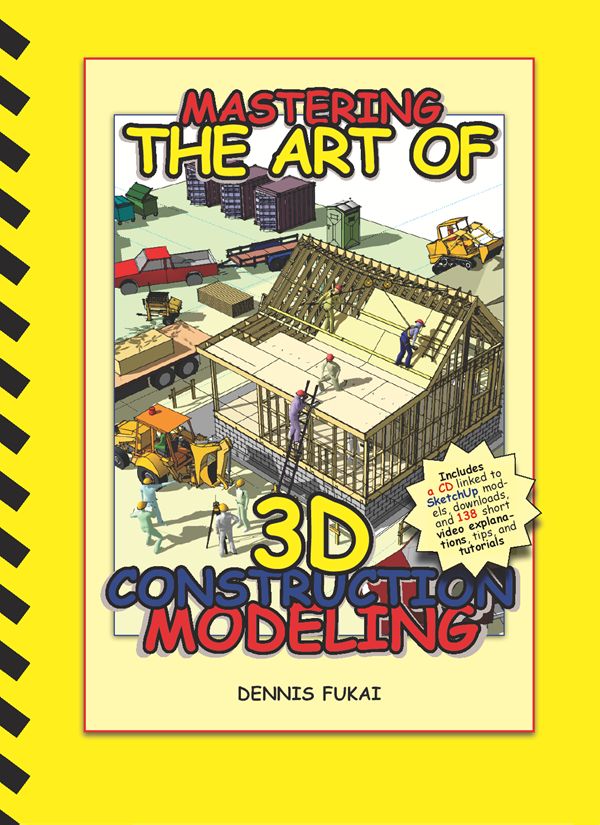
    Great new book: Mastering the Art of 3D Construction Modeling

    Dennis Fukai is Director of Research and Development at Insitebuilders. He’s a licensed architect and contractor with more than 25 years of design and construction experience, and a Fulbright Scholar with a PhD in Architecture from the University of California at Berkeley. He taught graduate and undergraduate courses in building construction and architecture for ten years before beginning his publishing company Insitebuilders.com.

    You may recognize Dennis’ name; he’s been writing SketchUp books since 2004. Mastering the Art of 3D Construction Modeling is the title of his latest publication, which was released in March of this year.


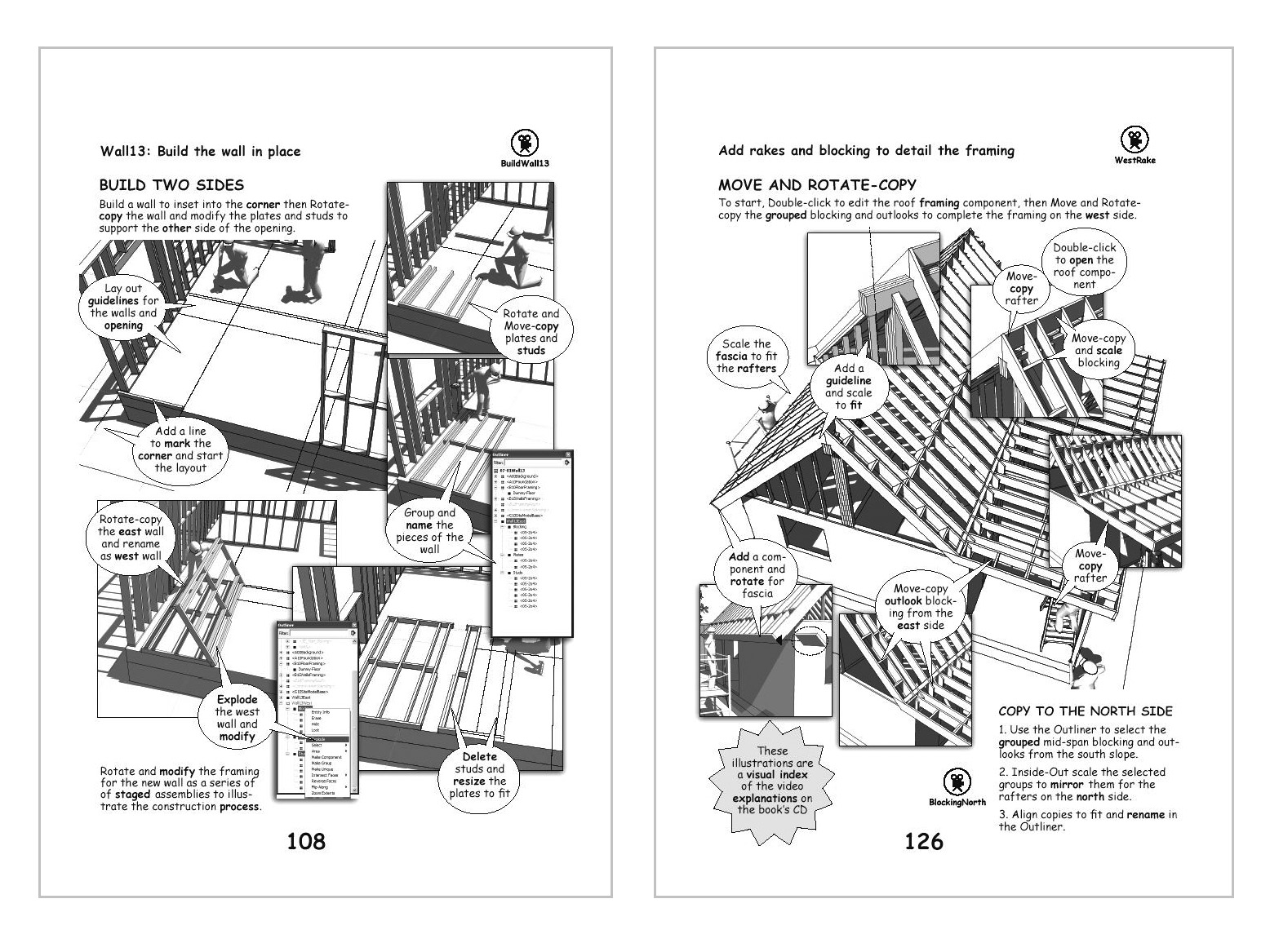
    Dennis’ newest book is an update to his classic 3D Construction Modeling, first published in late 2005 using Version 4 of SketchUp. The great thing about this book is that it’s also accompanied by a disc. This CD includes a series of short, illustrative videos, divided by chapter. For each chapter, the CD also contains several "tips and tricks" videos which show how to use a particular tool for a construction goal. The printed book itself is basically an illustrated index for the videos.

    Dennis' books are visually amazing.

    His books have received rave reviews because they're great at communicating 3D modeling to the construction industry. You can learn more about his latest project as well as purchase the book by reading this blog post.

    Wednesday, March 9, 2011

    New SketchUp 8 books from Bonnie Roskes

    The shelf of books about SketchUp 8 is getting heavier, I’m happy to say. Bonnie Roskes is the author of the very first SketchUp book, and has now also written the most recent. In fact, no one’s written more publications about SketchUp; if you count her excellent books for kids and educators, there are dozens. I honestly don’t know how she does it.

    A lineup of Bonnie Roskes' newest books

    Bonnie’s latest additions to my library include:

    • An update to her popular “Hands On” series that covers version 8
    • A revised edition of her Student Workbook
    • A Delta book to fill you in on the differences between SketchUp 7 and 8
    • An overhauled tome about LayOut 3

    All of Bonnie’s books are available as PDFs or printed copies, and they're all for sale on her 3DVinci website. For students and teachers, she also has a Project of the Month subscription where three fresh, hot projects are delivered monthly to your inbox. I never miss ‘em.

    Congrats on your new books, Bonnie. And if you get the chance, do you think I might be able to borrow the keys to the time machine I assume you have parked in your garage?

    Thursday, February 24, 2011

    New book: Google SketchUp 8 For Dummies

    When I first downloaded SketchUp years ago, I thought I was the coolest guy on the block because I could push/pull a square into a cube. Then I went online and saw what some other folks were modeling and realized I needed to up my game FAST. So like many folks, I turned to (my now colleague) Aidan Chopra’s Google SketchUp For Dummies book.

    I learned a lot from this Dummies book, so I’m especially proud to be able to announce that the newest edition of Google SketchUp For Dummies is on bookshelves now. This new edition is fully revised and updated to cover all the tastiness we packed into SketchUp 8—both free and Pro. You can find the book online and at bricks-and-mortar bookstores.

    If you’re new to SketchUp, the book is a great primer. It will teach you how to (among other things):

    • Navigate SketchUp’s user interface.
    • Build a model from scratch.
    • Create and use components.
    • View and present your models.
    • Use LayOut to create documents and presentations.

    A detailed table of contents is available for download from the publisher’s website. If you’re a grizzled SU veteran or already own an older version of this book, I’d still recommend checking out the newest edition. It contains several new sections about:

    • Adding additional floor levels to your models
    • Working with solids and the Solid Tools
    • Using the revised Match Photo toolset
    • Geo-modeling with SketchUp 8 and Building Maker
    • Presenting your designs with LayOut in SketchUp Pro
    • Finding and making use of Ruby scripts

    There are also two additional chapters available for free download on the website, and the book’s accompanying YouTube channel has 62 supplemental videos that walk through the many techniques and examples presented in the book.

    I like to tease Aidan and say that I only read half of his book. What I don’t tell him is I read the first few chapters straight through to get me up and running, but I refer to the advanced chapters often to brush up my modeling skills! In other words, this is a great resource no matter what your level of SketchUp expertise.

    Posted by Gopal Shah, SketchUp Marketing

    Friday, February 11, 2011

    New SketchUp books for interior designers

    Judging by last year's SketchUp Pro sales numbers, it's pretty clear that interior design is one of our fastest-growing markets. It's about time, too—between the piles of content on the 3D Warehouse, the availability of awesome photo-rendering plugins, LayOut and SketchUp's all-around awesomeness, there's plenty for interior designers to love.

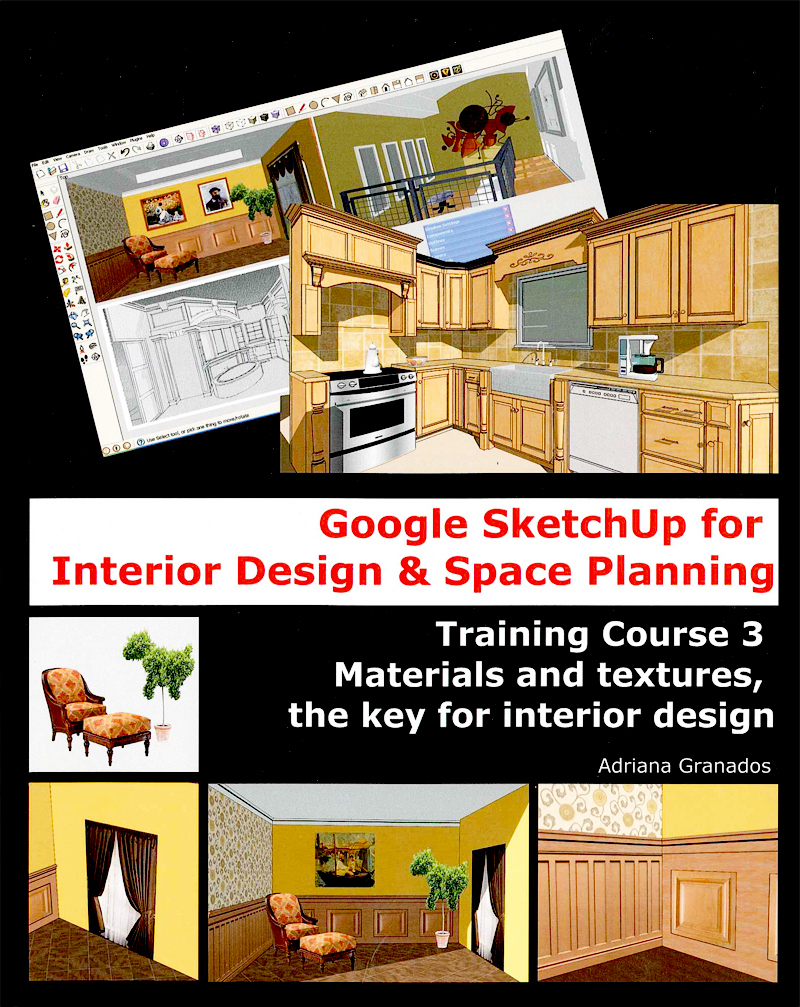
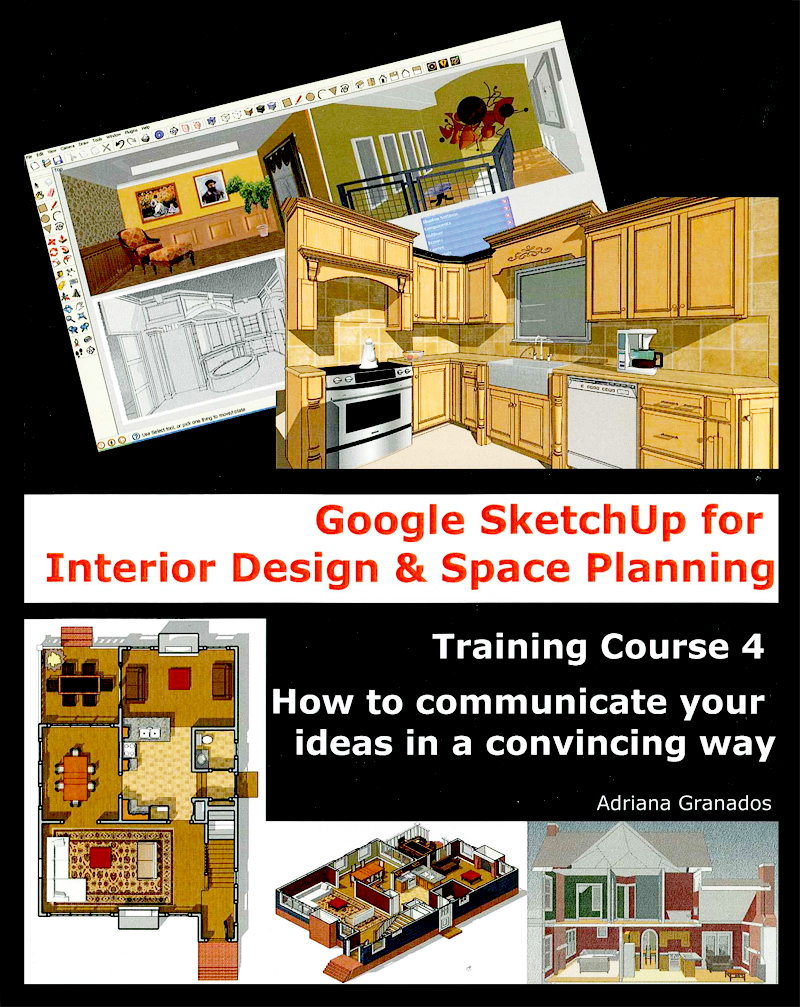
    And now there are books, too! Adriana Granados is an architect and interior designer who happens to know an awful lot about SketchUp. She's written a series of mercifully short, to-the-point manuals collectively titled Google SketchUp for Interior Design & Space Planning that are available for sale online. The books are printed in full color and I think they're really helpful.


    Friday, December 17, 2010

    New SketchUp 8 book in Portuguese

    We know from examining our charts and graphs that the good people of Brazil are crazy about SketchUp. We can officially add 3D modeling to the long, long list of things for which that country is famous.

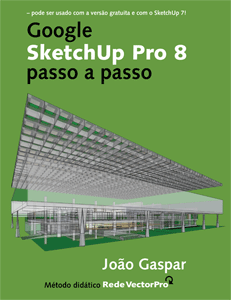
    The first book about Google SketchUp 8 is now available, and it’s in Portuguese. Written by architect João Gaspar, Google SketchUp Pro 8 passo a passo was launched in Sao Paolo on December 3rd, 2010. It’s the author’s third book about SketchUp; he also wrote volumes about SketchUp 6 and 7.

    Tuesday, October 19, 2010

    New book: SketchUp Guide for Woodworkers

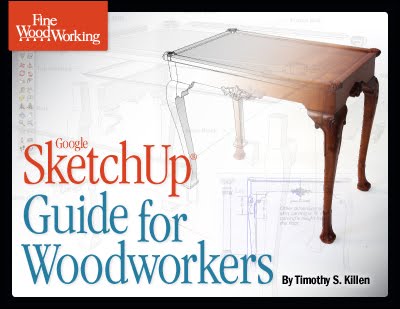
    Heads up to all you woodworkers out there: Tim Killen, a contributor to Fine Woodworking.com’s Design-Click-Build blog has just released a brand new PDF e-book: Google SketchUp Guide for Woodworkers.


    Tim has been a big advocate of 3D design in the woodworking space and has been a good friend to the SketchUp community. It’s great to see that he’s combined his woodworking and SketchUp knowledge in a single volume for other woodworkers to benefit from. You can get his e-book from the publisher's store online.

    One more thing: We blogged about Tim's SketchUp work last year.

    Friday, September 10, 2010

    SketchUp resources for children with autism

    Project Spectrum is something we put together for folks with autism who might be interested in using SketchUp; you can find out all about it on the Project Spectrum micro-site.

    Bonnie Roskes (author of the Google SketchUp Cookbook and other publications, parent of a child on the autism spectrum, and all-around neato person) has created a couple of great Project Spectrum-related resources. They’re specific SketchUp activities, available as PDFs at no charge, that anyone can download from her website:

    Toy Shop: Collaboration and Communication

    In this fun project, a group of students work together to fill an empty toy shop. The students decide among themselves who will be responsible for each toy category. Each student finds his or her models in the 3D Warehouse, then the group comes back together to place their models into the shop. Comments and feedback from each student help foster a collaborative experience.


    Dentist Office: Relieving Anxiety

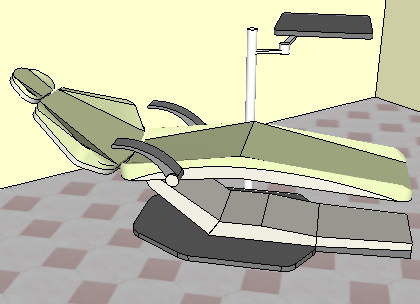
    Who doesn't get nervous about a trip to the dentist? But "rehearsing" your appointment ahead of time can help make the actual experience easier. It's easy to model the physical spaces using basic rooms, then find the necessary models in the 3D Warehouse. This project shows two ways to "walk through" the model, gives suggestions for conversations about what will happen at the dentist's office, and also shows how to make the experience funny (imagine walking into the examination room and seeing Homer Simpson instead of your dentist.)

    Visit Bonnie’s website to download the above activities, and be sure to check out her other offerings, too.

    Posted by Aidan Chopra, SketchUp Evangelist

    Tuesday, July 27, 2010

    Great new book: SketchUp 7.1 for Architectural Visualization

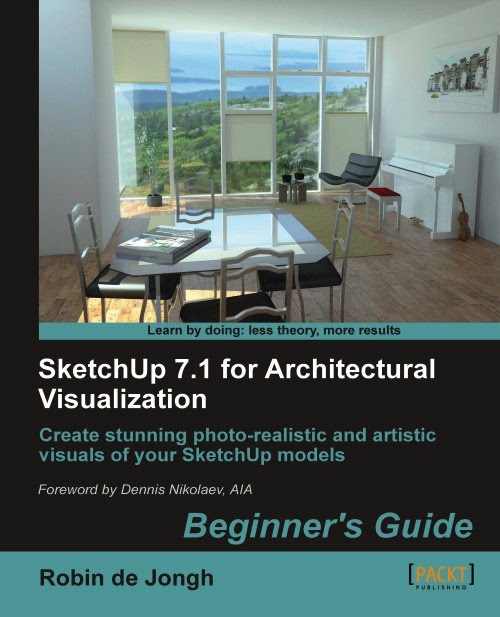
    My favorite thing about Robin de Jongh's excellent new SketchUp book is the clever writing; I tend to like my technical reading to be entertaining, too. My favorite chapter title: "How To Collect An Arsenal Rambo Would Be Proud Of"


    SketchUp 7.1 for Architectural Visualization is a treasure trove of information about making your SketchUp models look their best. Robin emphasizes a workflow that uses powerful but affordable tools (like Kerkythea and GIMP) for photo-rendering, but he also talks about creating better animations, using other Google tools for context modeling, adding entourage, matching photos and plenty more. Every time I open the book, I get sucked into reading another incredibly useful tip. It's definitely the most productive time-passer within arm's reach of my computer.

    If you're an experienced SketchUp modeler, you owe it to yourself to pick up Robin's book. Your models will thank you.

    The above is to the book on Amazon; here it is on the publisher's website.

    Posted by Aidan Chopra, SketchUp Evangelist

    Tuesday, June 29, 2010

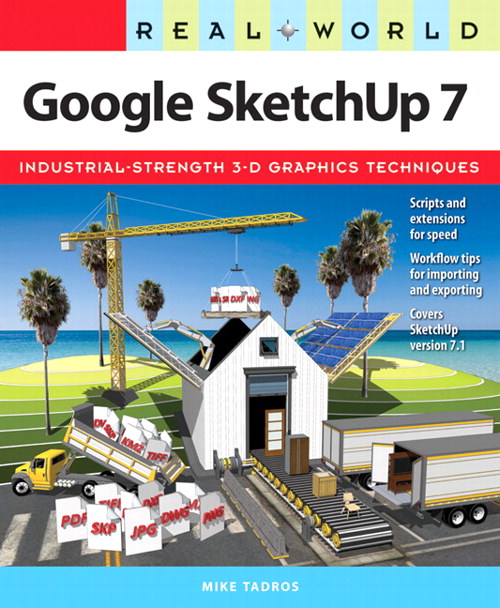
    Great book: Real World Google SketchUp 7

    If you think you’re a SketchUp hotshot, think again. Ten minutes spent flipping through Real World Google SketchUp 7 by Mike Tadros will make you realize there’s plenty to learn. Spend an hour and I guarantee you’ll be more productive. The book is that good.


    Mike (who is also the lead instructor at Go-2-School.com) has been one of the world’s best SketchUp teachers for years. His video podcasts are terrific and his training DVDs are second to none. My favorite thing about Mike is his ability to explain not just how to do something, but how to do it quicker and smarter than anyone else. He’s a power user’s power user, and I learn something every time I watch him work.

    This book provides a behind-the-scenes look into the professional workflows he's been putting to use at his company, Igloo Studios. It explores topics that are super-relevant to everyone who uses SketchUp: working with 2D CAD files; turning hand drawings into 3D models; making compelling fly-throughs; setting up SketchUp for maximum efficiency; working with materials; authoring Dynamic Components; using Rubies and other plugins... The list goes on.

    Congrats on a great book, Mike.

    Update: Peachpit Press (the book's publisher) is offering a discount: Enter the coupon code “SKETCHUP” to receive 35% off and free USA shipping (expires 12/31/10).

    Related Posts Plugin for WordPress, Blogger...